Hi, I’m Bethany, Co-Founder of the v.a. chicks. I have been an empowered entrepreneur working from home as a virtual assistant extraordinaire since 2008.
How did I get from a snowy small town in Canada to living my dream on the Space Coast of Florida?
I’m going to let you in on a little secret. I have a superpower. No, I can’t leap tall buildings in a single bound, or fly, or move things with my mind. It would be “super” cool if I could. But I have another power that I’ve learned can be just as cool. The supercool superpower I possess is…Resourcefulness.
And, it’s this spirit of resourcefulness that’s empowered me to build my dream business, live in one of the best places on the planet, and truly strive every day to live a life that brings me and those around me joy.
While I may have become a virtual assistant in 2008, the journey leading up to the moment I went virtual was key. It was on that journey that I picked up many of the skills like resourcefulness that fuel my business today. And it was on that journey that I learned to use, test, and grow my superpower.
Please join me as I share with you my origin story and the lessons that my superpower of resourcefulness have taught me.
Lesson #1: Nothing comes without hard work.
As the youngest of 6 kids, I learned this at a young age. If I wanted something, I had to speak up, and I had to be willing to put in the hard work to get it. Sure, there were certain advantages to being the baby, but I realized very quickly that no one was going to just hand me anything in life.
In our house we were expected to work hard. And we got to experience the joy you get when your hard work pays off and you get to see the results.
Lesson #2: Dream big.
A pivotal moment in my journey was when I packed up at 18 year old, left my small town in Canada, hopped on a train in Shelby MT, and moved all by myself to Chicago. I can still remember what it felt like to get on at a train station the size of a small house… and get off at Union Station, Chicago… the sounds of the city coming to life was like a metaphor of my dreams.
Ever since I was little, I dreamed of something more. It will come as no secret that I’m a huge fan of Disney. In 1991 my parents took us on the most amazing vacation to Walt Disney World in Florida…. and I said to myself “this is the best place on earth! I just have to live here someday.”
But I remembered my parents taught me that you can’t just talk about doing things, you have to put the hard work in to make it happen. So, I got to work. And I found an internship in Chicago straight out of high school. And I set out to change my world.
Lesson #3: Be a problem solver.
That first year here, I volunteered in exchange for free room and board. And I had little side jobs that earned me a total of $50/week. And I worked hard. And I got noticed. And I got offered new roles and opportunities.
Over the years I worked in a variety of industries in a variety of roles. And one thing was always true. I was the person on the team who was the go-to. You know the person can seem to solve any problem. The copier machine is jammed again? No problem.
You need a last-minute reservation at an impossible to book 5-star hotel? I’m on it.
If there was ever a special projects team formed, I was selected for it. Because I set out to solve problems.
Lesson #4: You have to believe in you – and then just go for it!
I mentioned earlier that 2008 was the year I became a virtual assistant… it’s also the year I became a mom. And actually, it was motherhood that compelled me to find a career from home. So, I bravely quit my day job, and got a client to hire me to manage their online business. I was a virtual assistant before I even knew what one was.
I went on to work for one of the largest virtual assistant agencies out there. Within the first 6 months I was awarded employee of the year and promoted to Assistant Manager.
Since then, I’ve branched out as an independent VA and I’m now paying it forward with my bestie turned business partner. We started the v.a. chicks to empower other women to discover what superpower they already possess that can supercharge their dreams, their VA business and their income.
In the fall of 2019, I dreamed big once more. Empowered once again by my virtual business and my superpower of resourcefulness, I was able to move my family cross-country where I now live just one hour from the most magical place on earth.
Are you ready to dream big and work hard?
Take this 60-second quiz now to discover your virtual superpower and all the tips and tricks you need to succeed as an in-demand virtual assistant: www.virtualsuperpower.com
You can use your current skills to become an in-demand virtual assistant.
Whether your background is in retail, banking, professional or home services, restaurants, or…really ANYTHING…
You already have some of the most in-demand skills clients are looking for!
These are referred to as “soft skills” which are a combination of your communication skills, basic computer aptitude, leadership traits, etc.
Over our careers, we’ve hired hundreds of VA’s and worked with thousands of clients. In every VA hire and VA-client matching, one thing was always true…
The best VA’s and the best partnerships were with VA’s who had strong soft skills!
Technical expertise is also important, but if you have solid soft skills, you can learn on-the-job.
Here are the Top 5 skills you already have:
1. Communication:
Communication is key when working as a VA. And, the more you can translate your offline communication skills to how they benefit an online business – the better!
Clients want VA’s who: have strong writing skills, customer service experience, have a background in public speaking. They are also looking for people with call center experience, tech support backgrounds and people who can connect with other people and customers.
Highlight things like: communication on Zoom, Skype and Instant Messaging programs, email management, etc. Be sure to list any additional languages you may speak!
Show potential clients your communication strengths by: following all of their directions during the hiring process and writing and sending a professional job application. Don’t forget to follow up to continue to express your interest. And, send a thank you after every client discovery call.
2. Resourcefulness:
This is a biggie. All clients are busy, that’s why they hire virtual assistants. One of your main jobs is to help clients save time, that’s why resourcefulness is so important.
Clients want VA’s who: can find solutions to problems and pay attention to details and can be a resource for them!
Highlight skills like: research experience, how you solved a problem at a previous job, ideas you generated that improved a company you worked for, etc.
Show potential clients your resourcefulness strengths by: paying attention to details when applying for jobs. You can also stand out by sharing specific ways you can improve their business.
3. Creativity:
No matter what clients you work with or VA services you offer, you’ll need to flex that creativity muscle. And, no you don’t have to be a graphic designer or artist to be creative!
Clients are looking for VA’s who: can take a project and add value to it, who can brainstorm new ideas, and yes, take their existing business and create a cohesive web presence.
Highlight skills like: how you took a work project and improved it, any image or website design skills you have, creative writing skills (copywriting, blogs, etc).
Show potential clients your creativity strengths by: sending a unique application when applying for a job (think video resume!), sending samples of past design projects you’ve created. Be sure to share any ideas you have to help them improve their online presence!
4. Organization
All clients need help organizing their business, that’s where you come in. If you’re a strong organizer, you’ll LOVE being a VA!
Clients are looking for VA’s who: can organize their files and folders, make sense of their email inbox, take a project and break it down into smaller pieces, manage their schedules, and more.
Highlight skills like: any experience you have in scheduling, project management skills, experience with task management systems, how you organize your calendar, etc.
Show potential clients your organizational strengths by: sending them a calendar appointment for any scheduled interview calls, asking potential clients when you can check back with them, and, sharing exactly how you can help organize their business and streamline their operations.
5. Basic Computer Skills
You had to know this one was coming, lol. All virtual assistants need basic computer skills. You’re working from home with online businesses, so it’s pretty important. But, you don’t have to be an EXPERT.
Clients are looking for VA’s who: can use programs like Word, Excel, Powerpoint, Google Docs, Dropbox, Email, Skype, Zoom, and have basic social media skills.
Highlight skills like: your experience in these and other online programs you’ve worked with. Don’t forget about software programs you used that were specific to a particular business or industry – this counts! It shows you have a basic understanding and can learn other new technical skills.
Show potential clients your basic computer skills by: highlighting these on your job applications, scheduling a video call and suggesting programs you’ve used that may help their business.
Your Next Steps:
Reflect on the skills listed above. Then, update you resume and/or VA portfolio to really highlight your strengths in these areas.
Soft skills are often the hardest to teach. So, if you can shine a light on your experience in these areas, you’ll be certain to soar above the rest!
Take this 60-second quiz now to discover your virtual superpower and all the tips and tricks you need to succeed: www.virtualsuperpower.com
Having the right tools for virtual assistants implemented in your biz, and knowing how to use them is important for any in-demand virtual assistant. And yet, we often spend so much time learning, implementing, and managing tools for our clients’ businesses, that we forget to invest the same amount of effort finding the best tools for our own biz.
So where do you start? How do you know what tools you should use in your biz?
Like anything else, we recommend you start with the essentials.
What are the essential tools for virtual assistants?
In-Demand virtual assistants understand that taking the time to set up a good system in the beginning can save so much time, frustration, and money in the long run. And, any good system, includes having the right tools.
Here are some of the essential tools for virtual assistants that help you get clients and stay in-demand:
Use a Project Management System
Staying organized is essential for every in-demand virtual assistant. Your clients expect you to keep track of all of the details and never miss a deadline. And, they should. And using a good project management system is essential to meet that expectation.
Many virtual assistants use project management systems in their clients businesses, but they don’t take the time to set up a system to manage non-client specific tasks such as marketing, sales, or billing.
A project management system will help you remember to do those important little tasks like following up with your potential client when you promised. So you can overdeliver on your promises to keep your clients happy and your business growing.
Some of the things we like to track in our project management system are our blog content schedule, social content creation, and tasks for any upcoming launches or events. Our favorite project management tool is AirTable.
Pro-Tip: Most project management systems offer a free version or trial so you can check them out and see if they work for you. So try out a few different tools before choosing the right one for your biz. The knowledge and experience you gain while testing out these tools will also be useful when you’re helping your clients find or create a project management system for their business.
Time Tracking Tools
Whether you’re working on an hourly, retainer, or commission basis with your clients, it’s essential that you track the time you spend on each client. This will ensure you’re getting paid for the time you’re investing in their business.
Don’t forget to include and bill for things like client calls, reading and responding to client emails, and client updates. And, for your project or retainer clients, be sure to include an hours report in your regular updates. This will help keep your clients in the loop so there are no surprises at billing or when hours run out.
We recommend using a time tracking tool such as Paymo. There are tons of great options out there.
Billing System Tools
In order to get paid, you have to have a way to bill (and accept payment from) your clients. You can start out with a more manual system like creating the invoice in Microsoft Word, sending the invoice by email, following up on outstanding invoices by email/phone, and accepting payment by Paypal.
Or, you can use a payment processor to accept credit card payments, and set up an automated billing and reminder system. Which system you choose, will depend on your business needs and the funds you have available to invest in premium tools.
You’ll also need to track your income and expenses for tax purposes, budgeting, revenue forecasting, and goal setting.
Some of the tools you’ll need to set up a solid billing system are a payment processor (like Stripe), a financial management tool, an invoicing/billing tool, and a client relationship management (CRM) tool for automated communications.
If you’re just getting started as a virtual assistant, or if you’re a bit more experienced and are just looking for some new tools, we’ve got you covered.
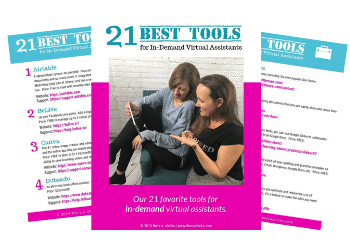
The 21 Best Tools for Virtual Assistants
Once you have the essential tools for virtual assistants implemented in your biz, it’s time to really take your your biz (and sales) to the next level. Some of the other tools that in-demand virtual assistants use are social media scheduling, document collaboration, image design, calendaring, and spelling/grammar checkers. With so many tools for virtual assistants available, it can be a bit overwhelming knowing which tools to choose.
With over a decade of experience as virtual assistants, we’ve tried hundreds of tools and found some we really LOVED, and others that really fell flat. Now we’re sharing the secret scoop on the very best tools for virtual assistants that you should get for your biz right now!!!
We’re sharing some of the top tools and apps from our virtual assistant tool-kit. These tools help us and our clients rock digital marketing, social scheduling, managing memberships, webinars, and MUCH more.
Whether your client is looking for the latest in CRM systems or wants to create a new membership, we’ve got you covered. Check out our top tools and apps below.
Zoom – Easy Video Conferencing
Looking for a great solution to conduct your group coaching calls? Zoom is the answer. With amazing calling features like video conferencing, screen sharing, breakout rooms, meeting recordings, active speaker view, telephone call in, group messaging, and more, you can’t go wrong here. You can even use it for your webinars!
You can sign-up for Zoom for free to test it out. The free plan gives you 40 minutes of video calling, but the pro plan is very affordable and has no time limits. With both the basic and pro plan you can host up to 100 interactive participants and up to 10,000 view-only participants.
It’s finally here –a software tool that does all the marketing automation you need and won’t break the bank. And we can’t mention our top tools and apps without mentioning Kartra.
Kartra is an all-in-one business platform that gives you just about every tool you need for your coaching business; sales pages, shopping cart, email marketing, affiliate marketing, video hosting and even a membership site!
Yep, with just one software you can manage all of your marketing in one place. Plus, you can do some amazing things like split-testing, create campaigns to nurture your leads into paying clients, offer upsells and downsells and get some great analytics.
Kartra was built by a team of experienced digital marketers so they’ve built-in marketing proven templates and images and made the system very user-friendly. If you’re ready to propel your coaching business while saving money on all those other monthly subscriptions, Kartra is a great solution.
If you offer online courses or are just thinking about it, you have to check out LearnDash. When it comes to the top tools and apps for memberships, Learndash is among the best.
LearnDash is a WordPress plugin that takes everything you love about online coaching and amps it up by about 100%. It has basic membership software features like; time-released content, different access levels, ability to add videos and images, and mobile compatibility. Where LearnDash really shines is when it comes to reinforcing learning. You can add quizzes, timers, forums, badges that people can earn after completing a section of content, certificates that can be delivered online and it integrates with just about any other tool you can think of including most shopping cart systems and email marketing tools.
To use LearnDash you’ll need a WordPress website and an annual license. Learn more and sign-up at www.thevachicks.com/learndash
Tailwind – Schedule Social Media with Ease!
If you’re ready to grow your Pinterest and Instagram traffic (who isn’t?!) the fastest and most affordable way is to use Tailwind.
Tailwind makes Pinterest a breeze. Some of our favorite features include: the ability to pin to multiple boards at once, make pins appear again and again, and to upload multiple images at one time. Tailwind even has a browser add-on so you pin anything you see on the web!
If Instagram is your jam, you’ll love Tailwind’s most popular hashtag finder, the ability to re-gram anything you see across the web, and being able to easily schedule posts to both Pinterest and Instagram with just one click. Tailwind even has tribes (groups) you can join for free that will promote your content!
Between it’s reporting tools, ability to connect with Google Analytics, and the free marketing you can gain from tribes, Tailwind a no-brainer.
If you’re ready to make an impact on Pinterest and Instagram.
Check out Tailwind – we know you’ll love it. Plus, you can grab your very own FREE 30-day trial AND save $15 off your first month by visiting www.thevachicks.com/tailwind
Proof – The Social Proof you Need!
Are you looking for a way to let your customers do the selling for you? Proof provides all the social proof you need to instantly convert leads into customers. With Proof, you can set a notification to appear on your sales page or landing page every time you make a sale or get an opt-in. This notification gives credibility to your offer and a creates a sense of urgency to take action.
Pricing starts at $24/mo increases based on site traffic and features such as the ability to track live visitor counts.
Keep your clients and leads informed of upcoming events with AddEvent, one of the top tools and apps for reminders. For your next webinar, include an “Add to Calendar” button on your website. And when they click the button it will walk them through adding the event to their specific calendar system in a matter of clicks.
With AddEvent, you can also create a subscription calendar and add all the dates of your launch including cart open, webinars, cart close, etc. With one click, your clients can add all of the dates to their calendar so they don’t miss a thing. You can even add custom calendar details to include info and a link to join the event or call.
For as little as $19/mo you can be sure your clients never miss a call or webinar again.
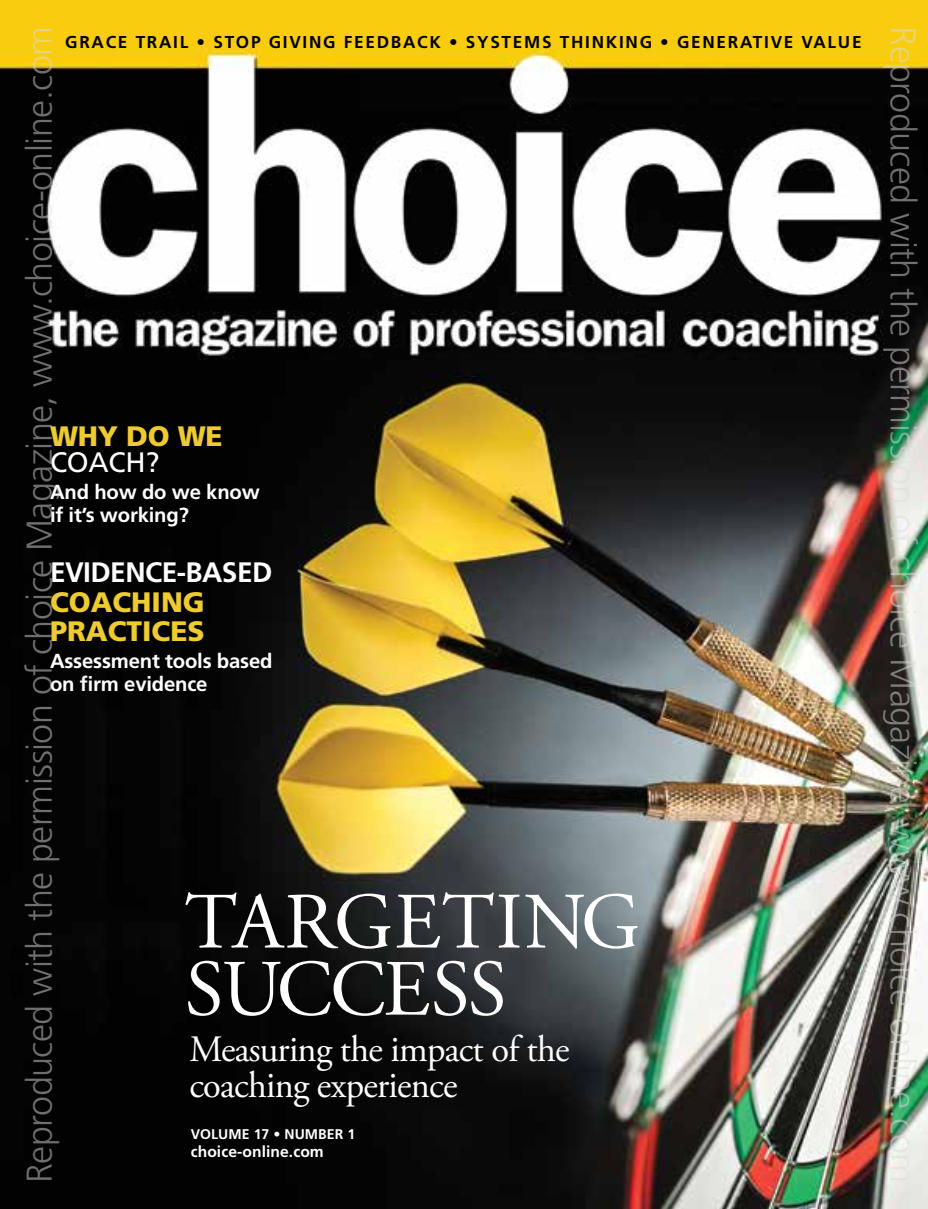
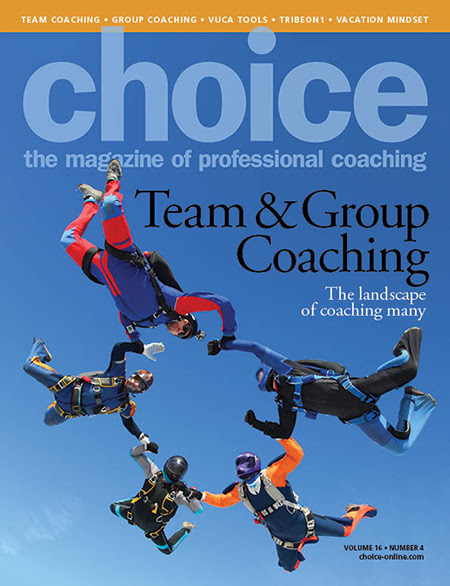
Jennifer and Bethany are tech review authors for Choice – the magazine of professional coaching. Check out our articles in these Editions.
Published in, and reproduced with permission from, choice, the magazine of professional coaching http://www.choice–online.com
Affiliate Disclosure: Please note that some of the links in this post are affiliate links. This means that if you make a purchase, we may earn affiliate commissions and/or perks such as a free month of service. It’s important to note that we recommend and link to these companies and their products because of their quality and not because of the commission we receive. We are simply recommending our favorite tools and applications, but the decision to purchase is yours. Read our full affiliate disclosure.